
When sending templated email with Helo, you no longer have to pass the template content in every API request. Instead, store your templates in Helo and simply reference them by ID when sending.
Working with stored templates means:
- Smaller payloads. You send an ID instead of a large HTML document every time.
- Faster API calls. With less data to transfer your API calls will be quicker.
- One less thing to store. Your templates live with us, so you (or your marketing team) can manage and update them without deploying code.
Let’s take a closer look at how templates work.
Store and edit your templates
Create and manage templates in the app or through the Templates API.
You can write plain HTML, or MJML (which makes it a whole lot easier to create responsive emails that render well across mail clients, even the tricky ones. Looking at you, Outlook).
Of course, templates can include dynamic content. Use placeholders like {{ firstName }} to insert values from your data, and logic like conditionals and loops to vary the content for each recipient. Learn more about template syntax.
Sending with your stored templates
When you’re ready to send, simply reference a stored template by its id and pass in data for rendering. This works for both transactional and broadcast email:
{
  "template": {
    "id": "<template-id>",
    "data": { "customerName": "Sam", "reference": "5678" }
  }
}
Starter templates to, well, get you started
In case you don’t have any existing templates and don’t feel like starting from scratch, we’re also providing a selection of pre-built templates for common use cases that you can adjust and make your own.
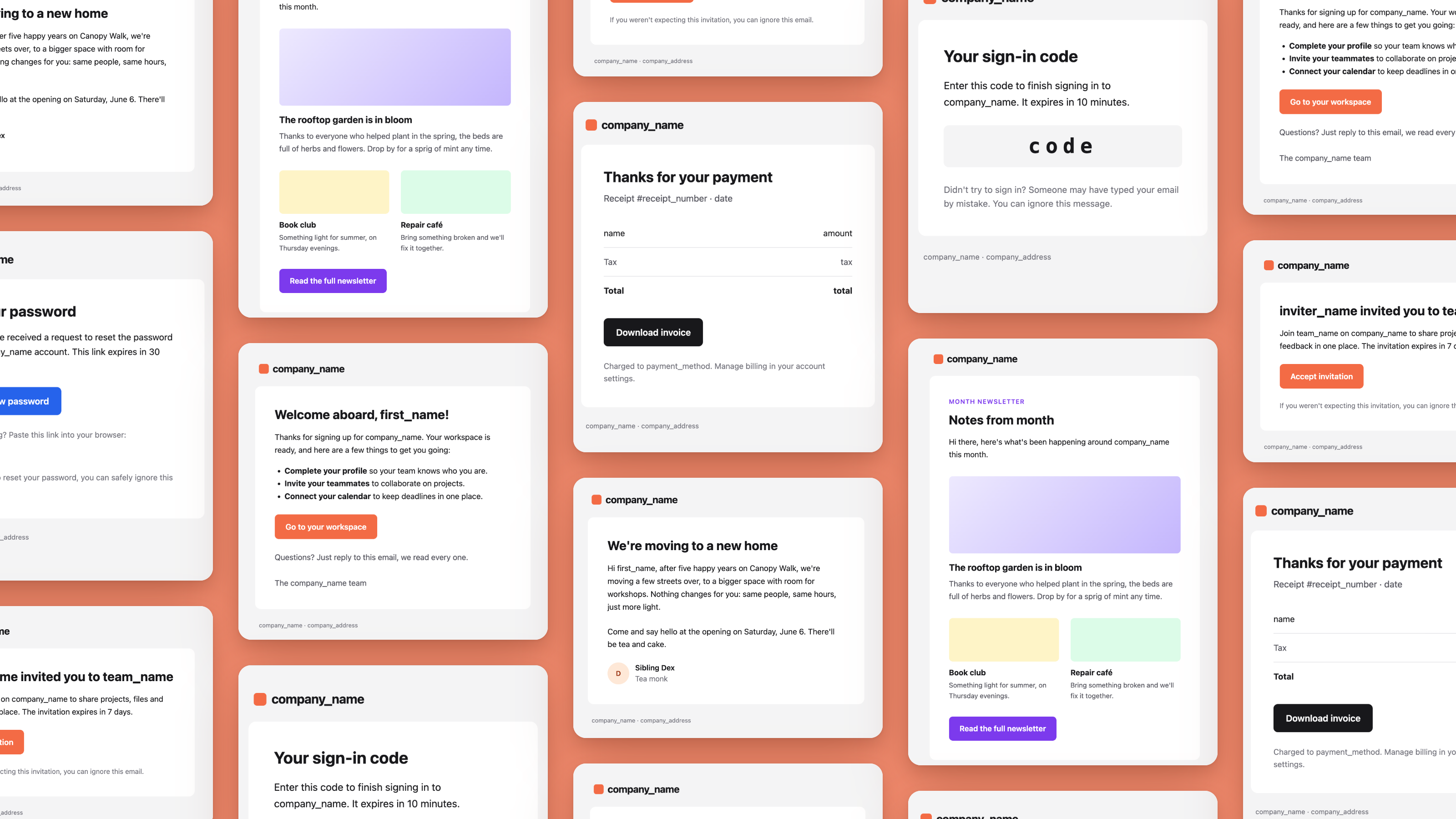
Get templates for key transactional use cases (including password resets, sign-in codes, receipts, and more) or use our newsletter template to prepare your first broadcast email.
Happy sending!